



Features
-

Easy to Program and Use
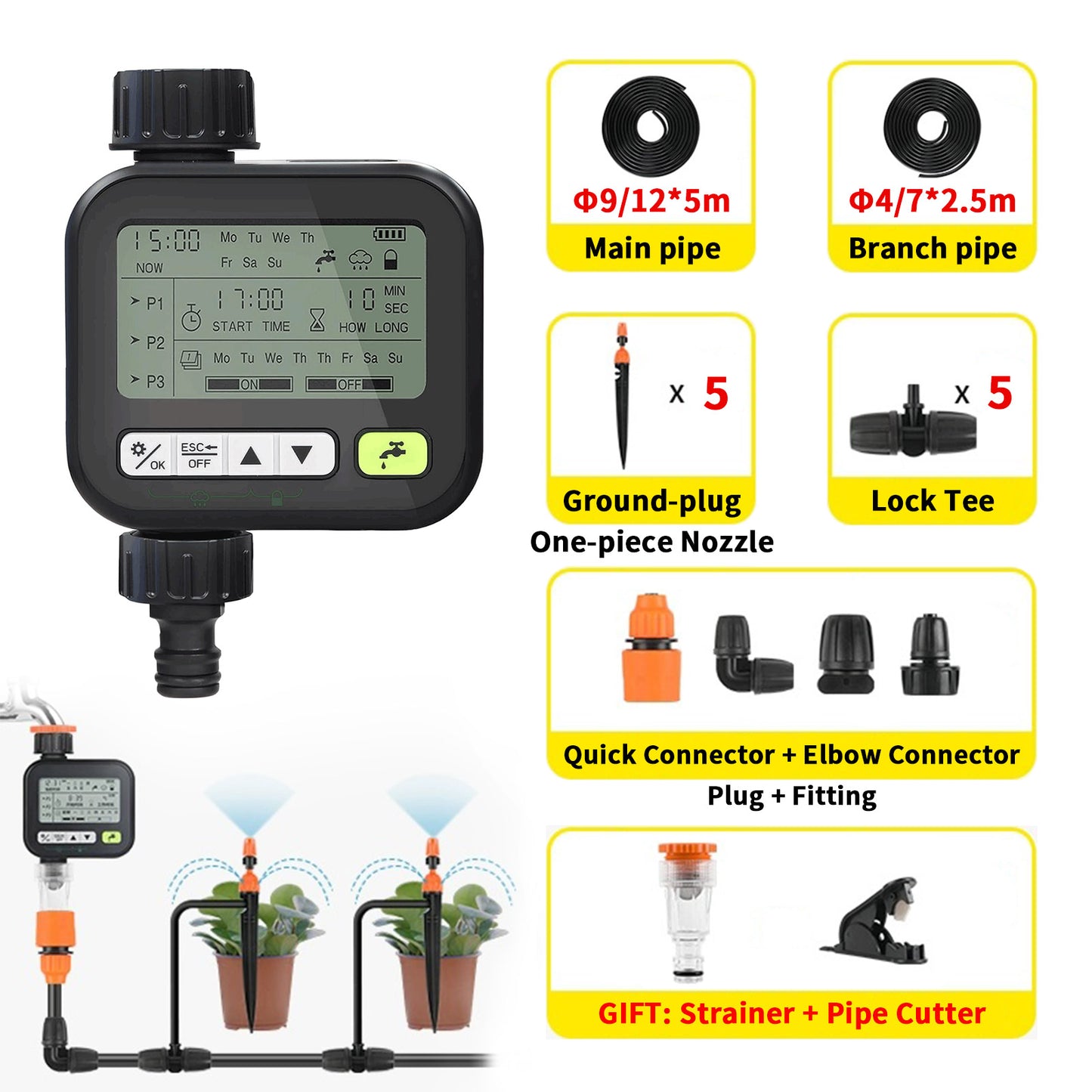
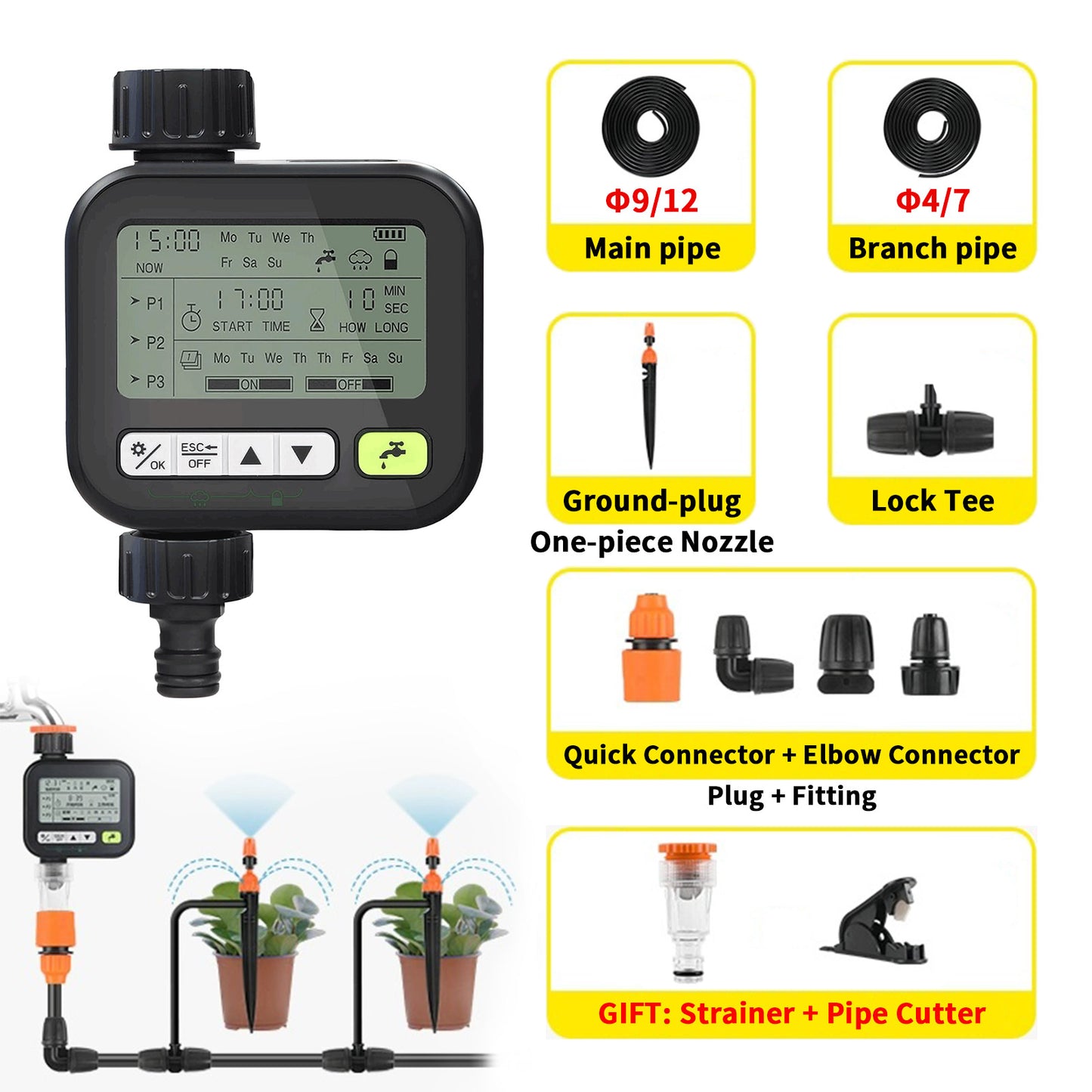
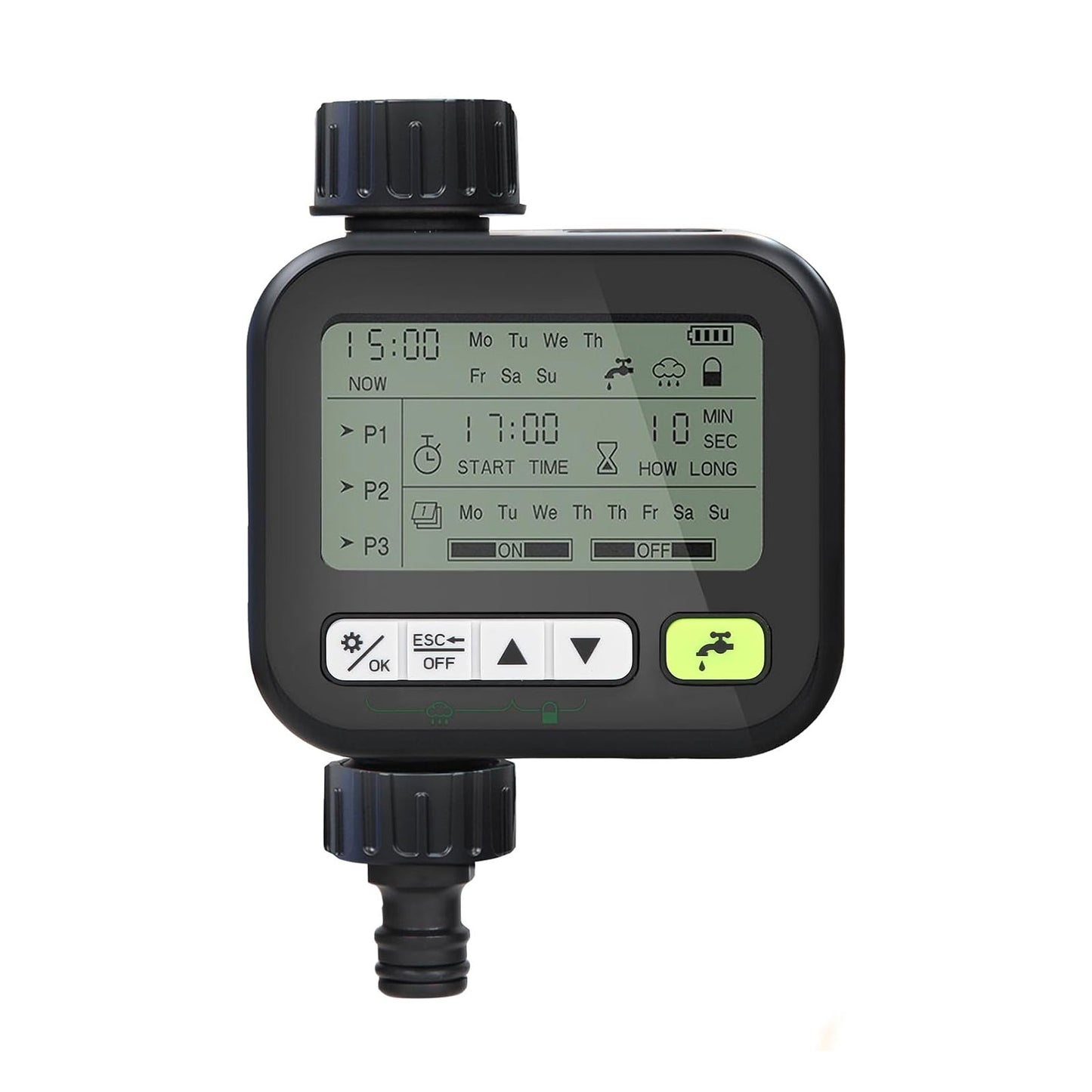
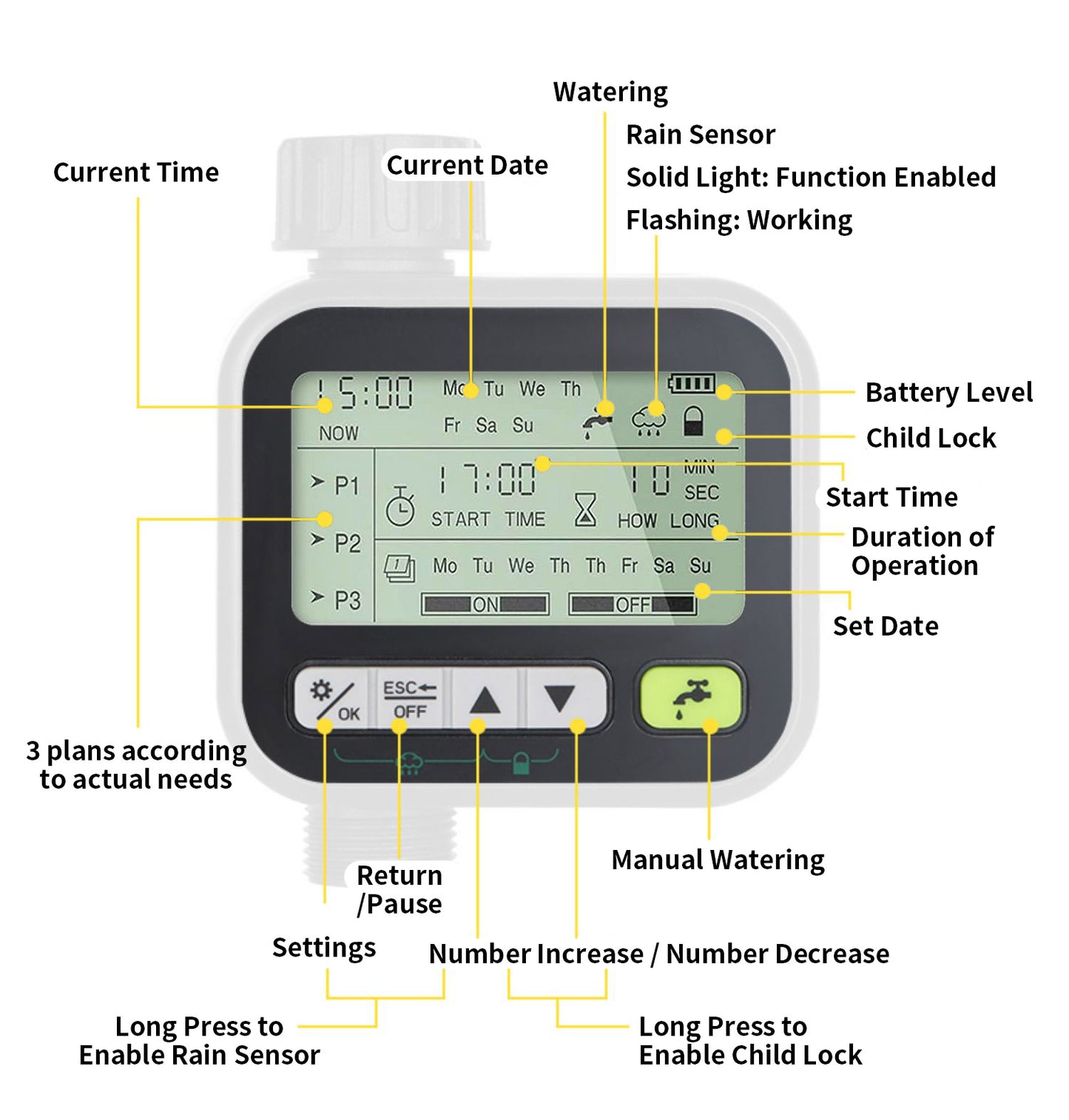
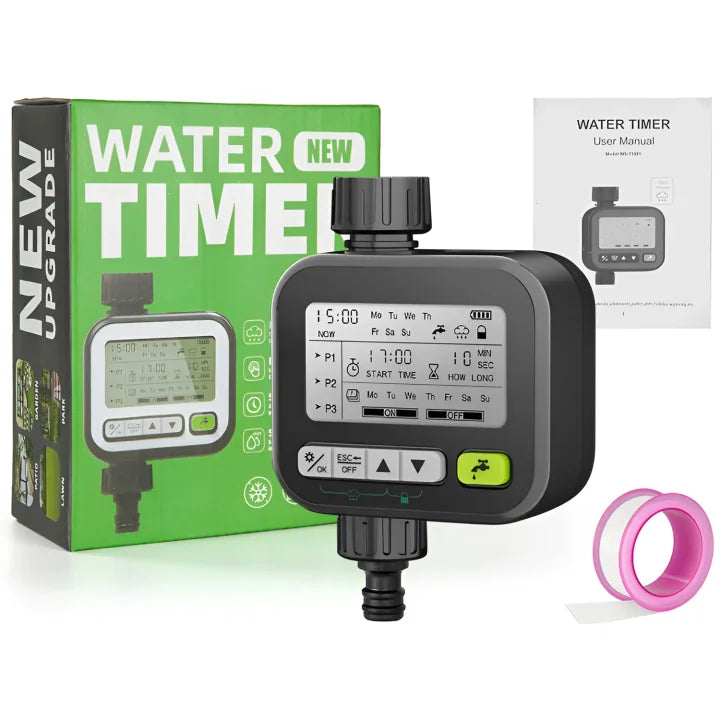
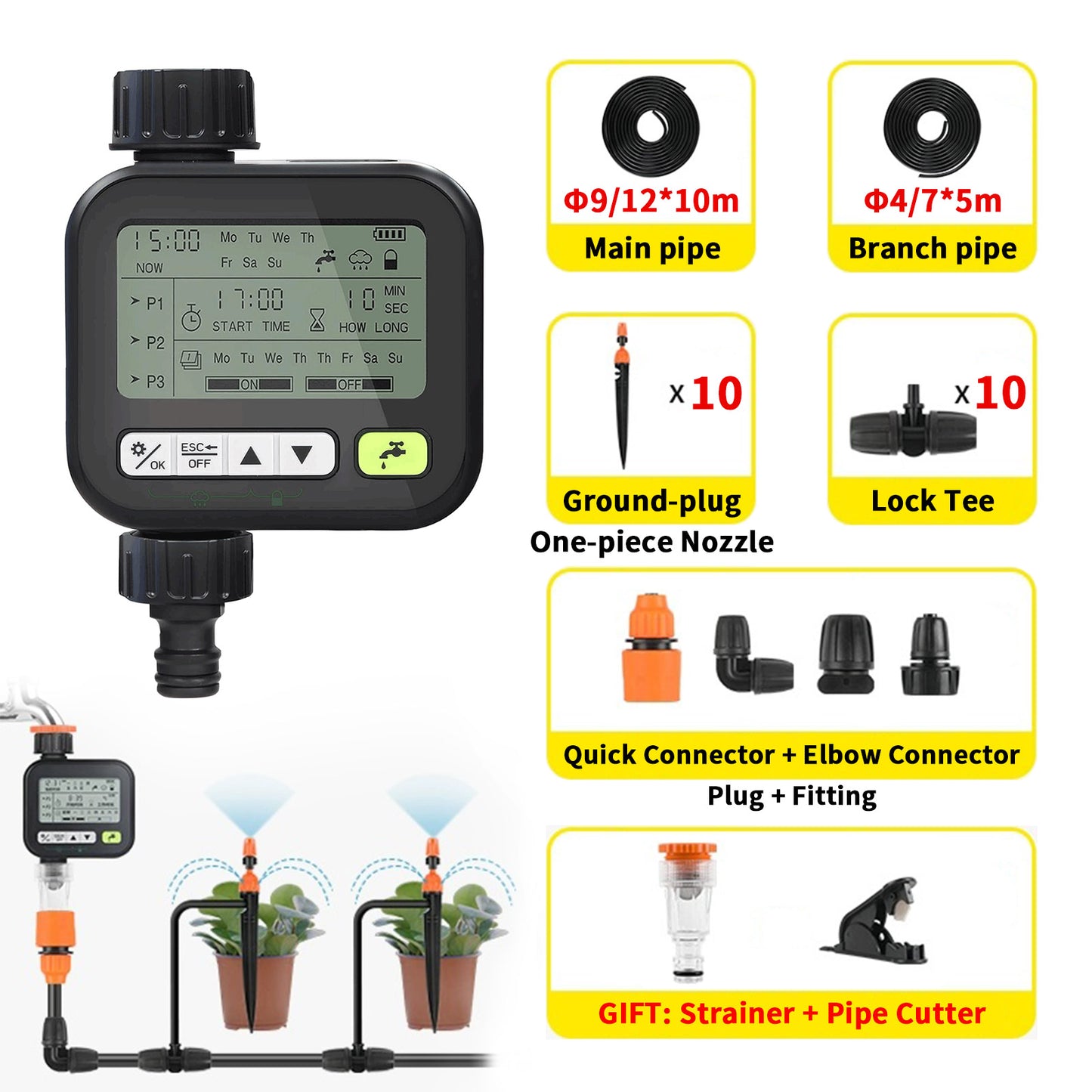
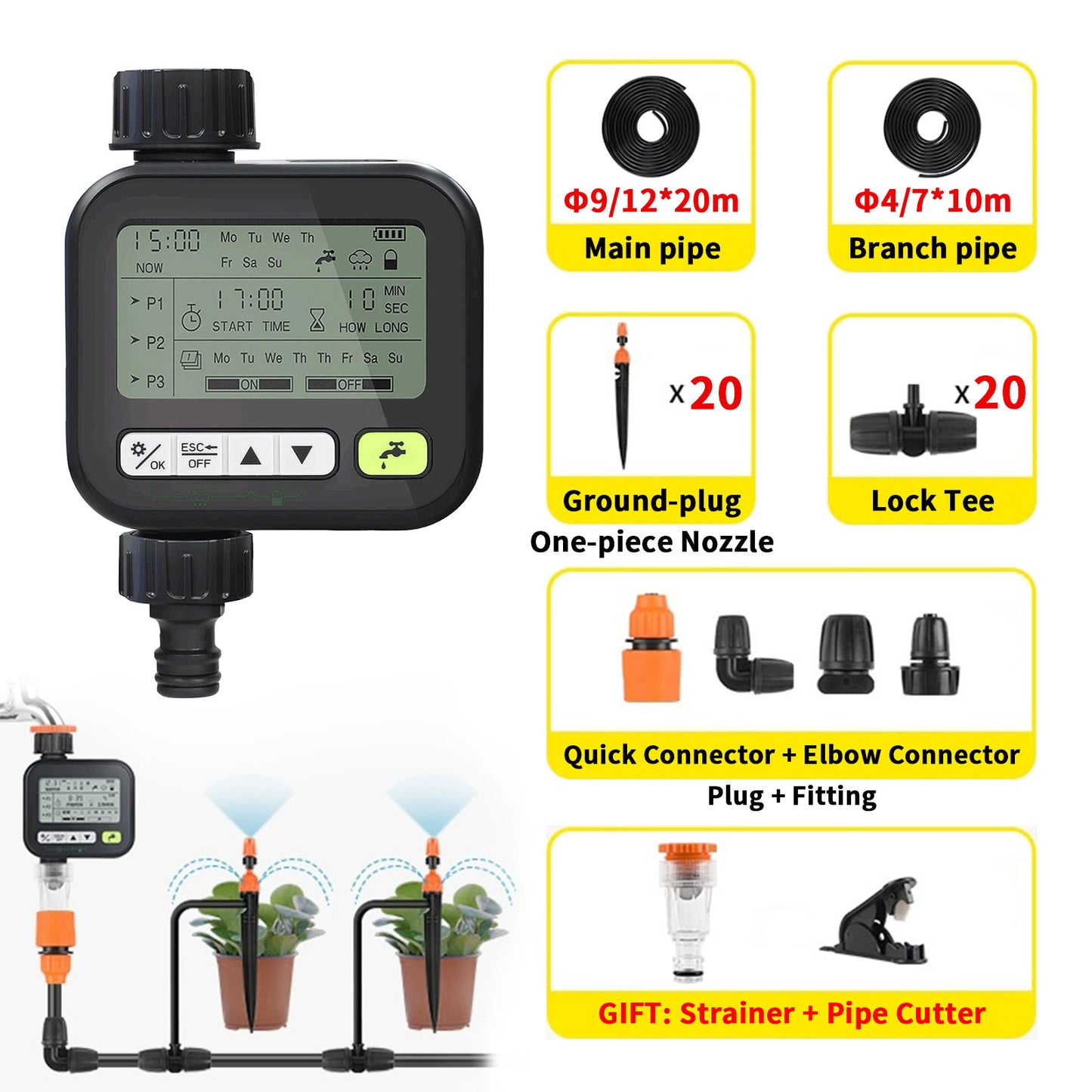
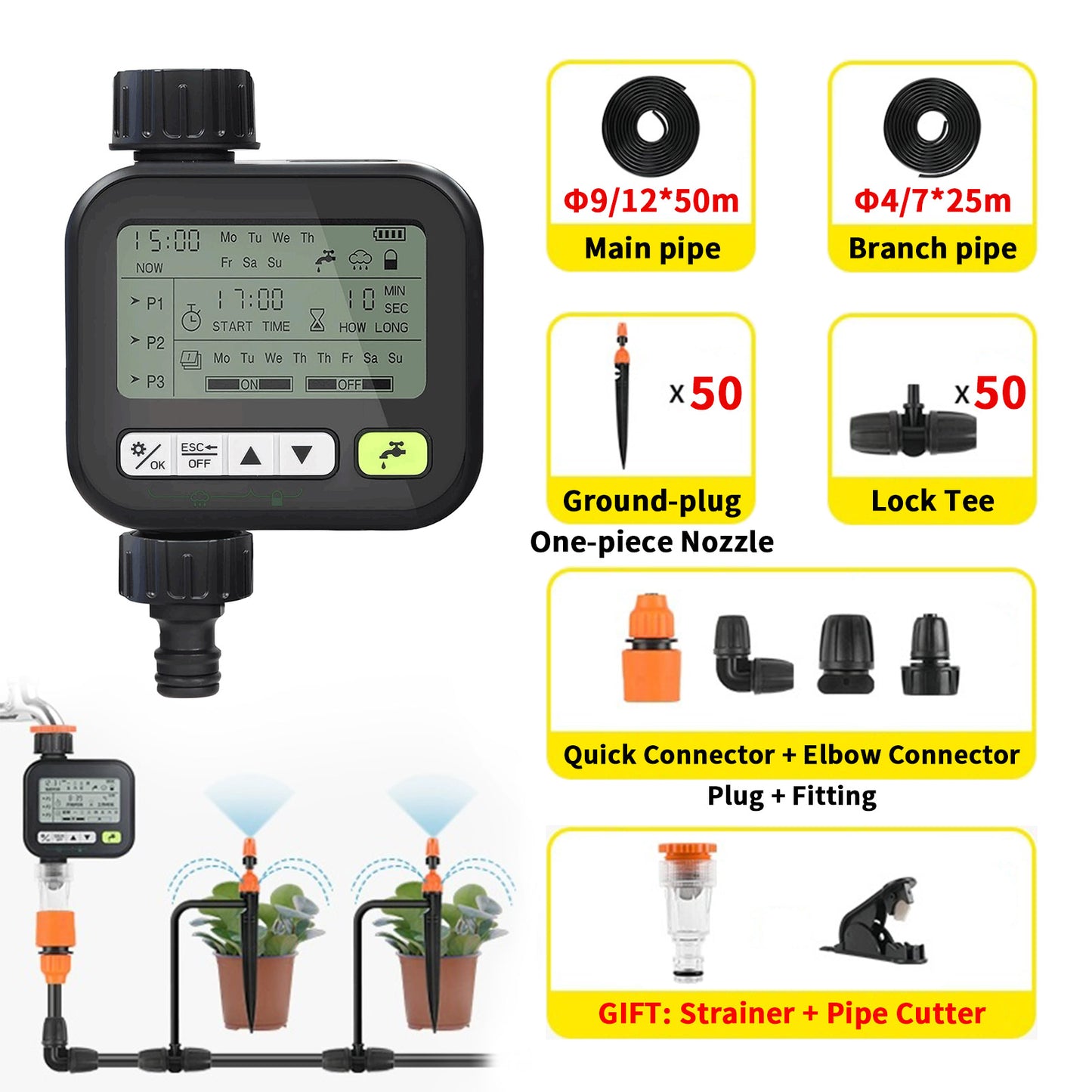
The smart irrigation timer features a user-friendly display that shows the current time, day of the week, and battery status. You can set up to three watering programs (P1, P2, P3), each with customizable start times, durations, and frequencies. Stay in control of your garden with simple, intuitive controls designed for hassle-free gardening.
-

Save Water
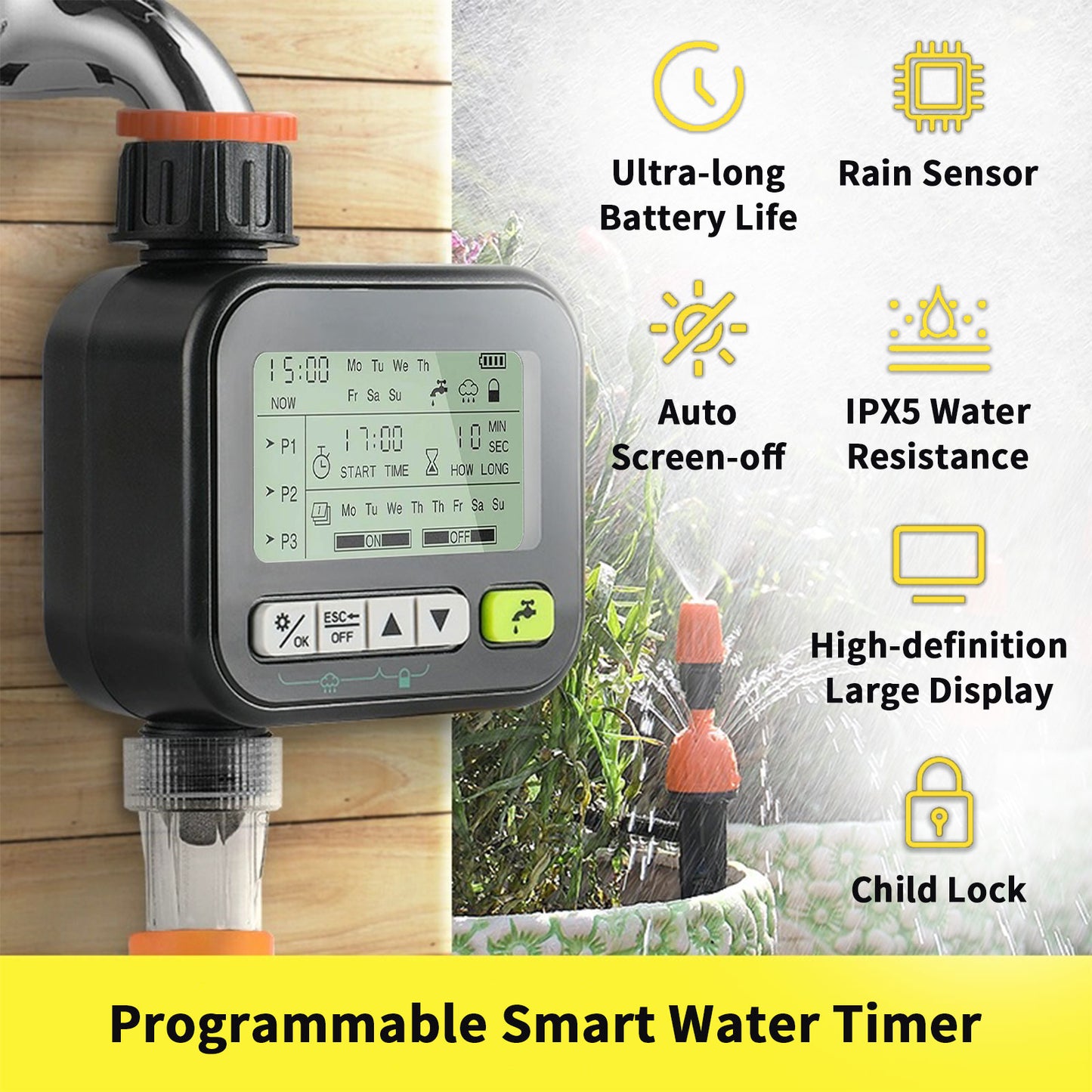
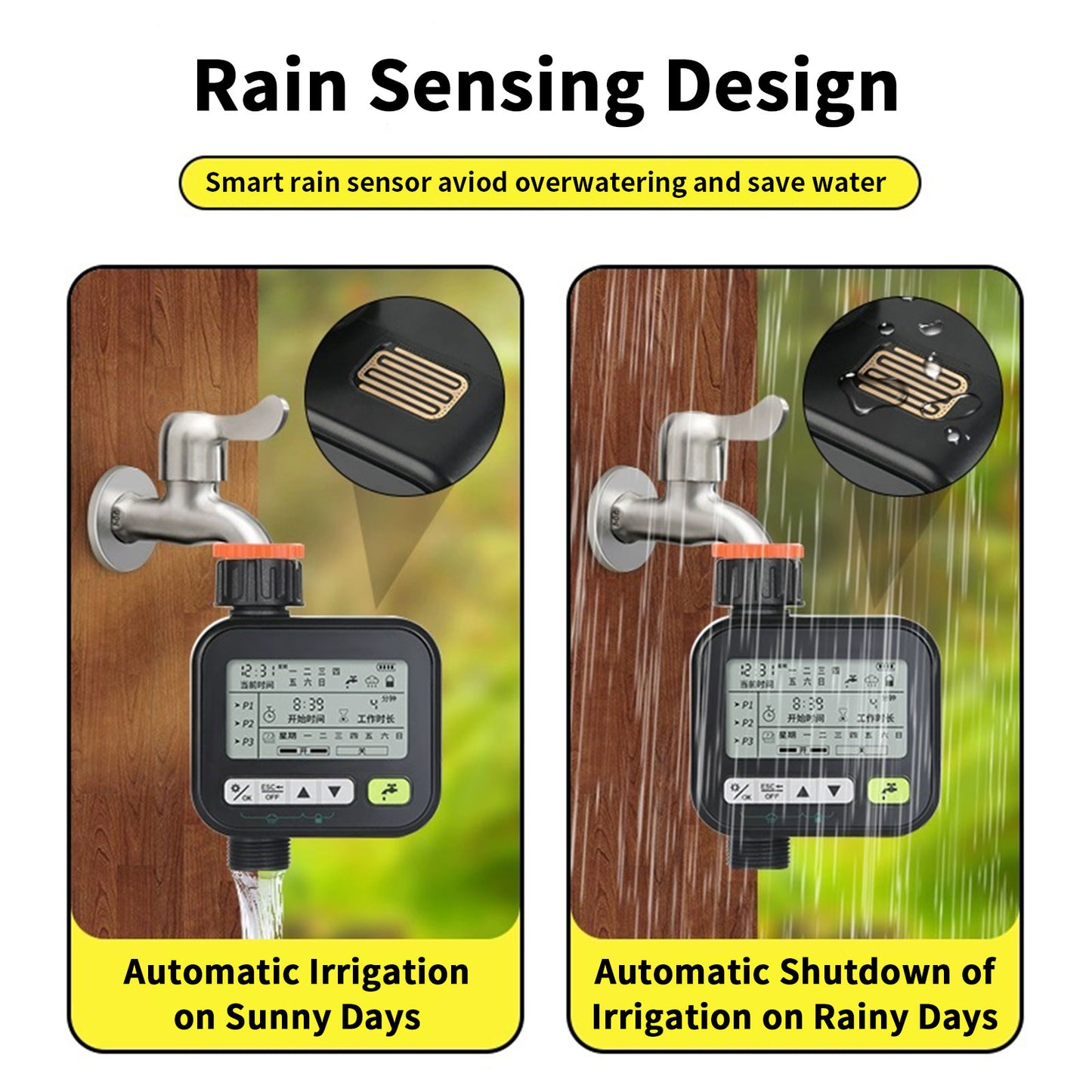
Equipped with a rain sensor system at the top, the water timer can detect rainfall and immediately pause or preempt the next watering cycle. This prevents overwatering, which can damage plants and lead to higher water bills. We recommend activating the rain sensing mode daily to keep the sensor area dry for optimal performance.
-

Continuous Watering
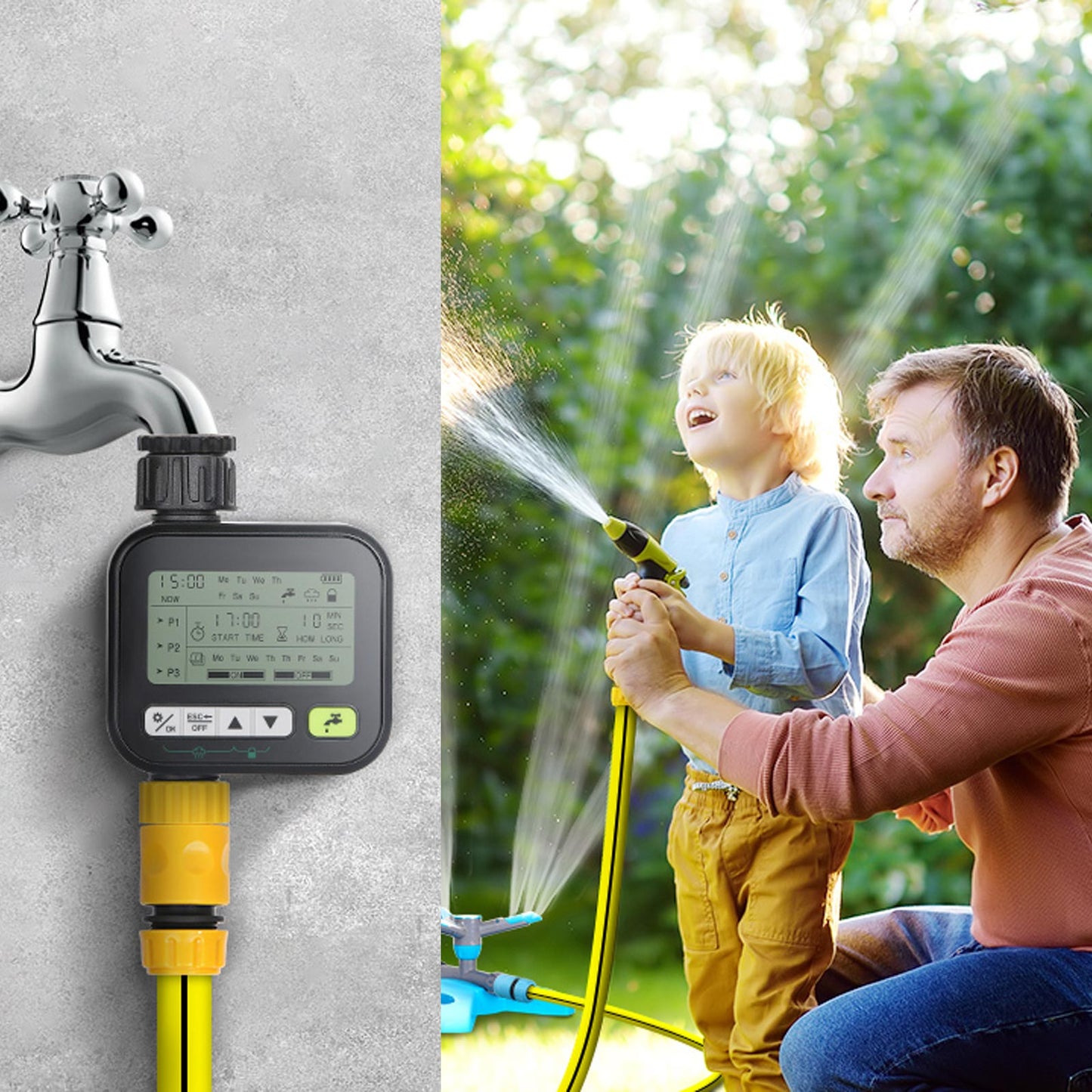
Battery-operated, this irrigation timer can last up to 1000 days, ensuring your plants receive consistent watering even when you're away. This feature is especially important during hot summer months when plants require more frequent watering.
-

Large and Clear Display
The automatic irrigation timer features a large, easy-to-read display, making it simple to manage your watering schedules at a glance. Whether you're setting up to three customizable watering programs or checking the current time, day, and battery status, everything is clearly visible.


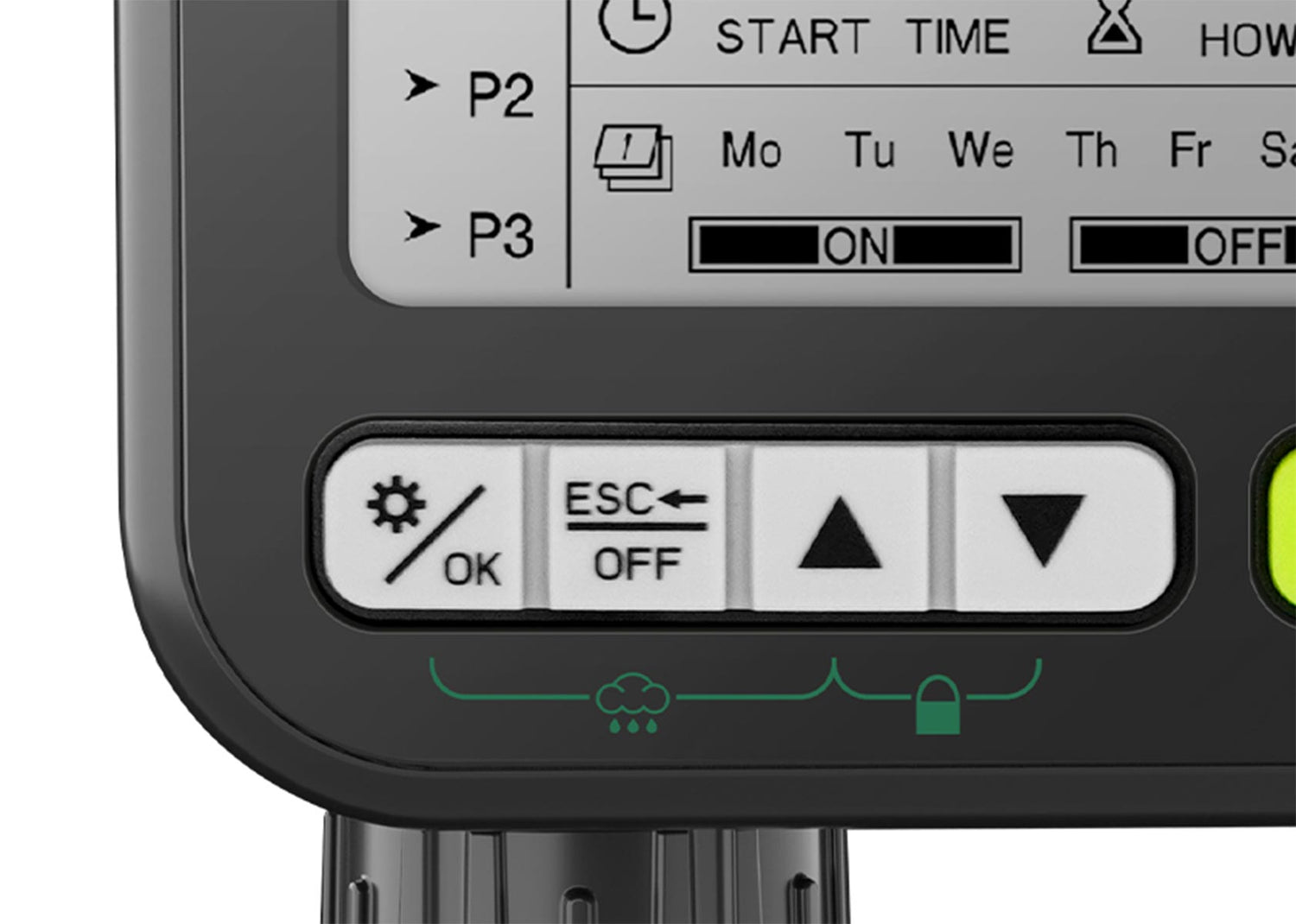
Rain Sensing
Avoid overwatering
Turn on the rain sensor mode in advance according to the weather forecast. It is recommended to keep the rain-sensing area dry when the weather is sunny.
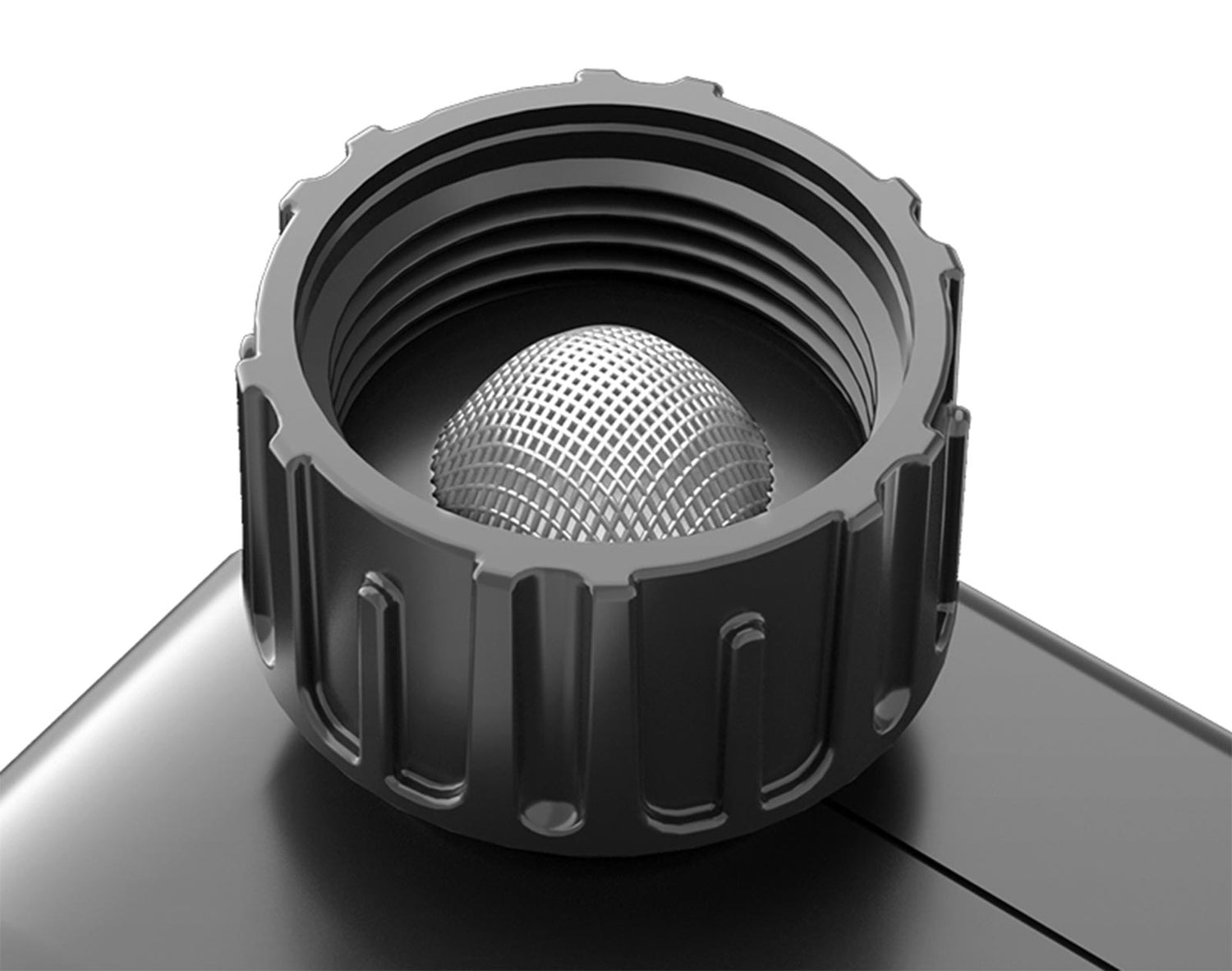
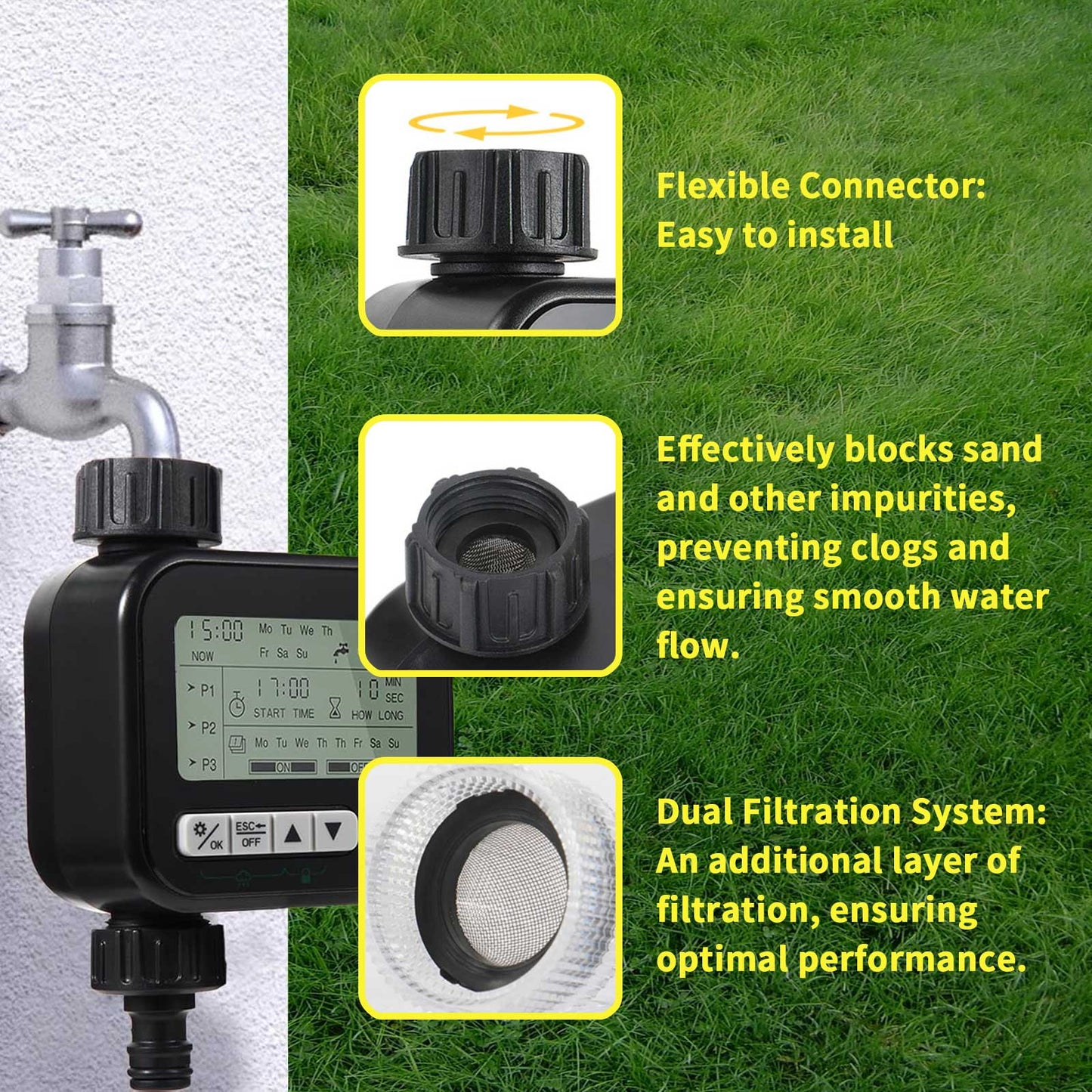
Built-in filter
Keep water clean
Garden timers for watering with a built-in filter to stop sediment and other large particles of dirt from entering and purify the water.
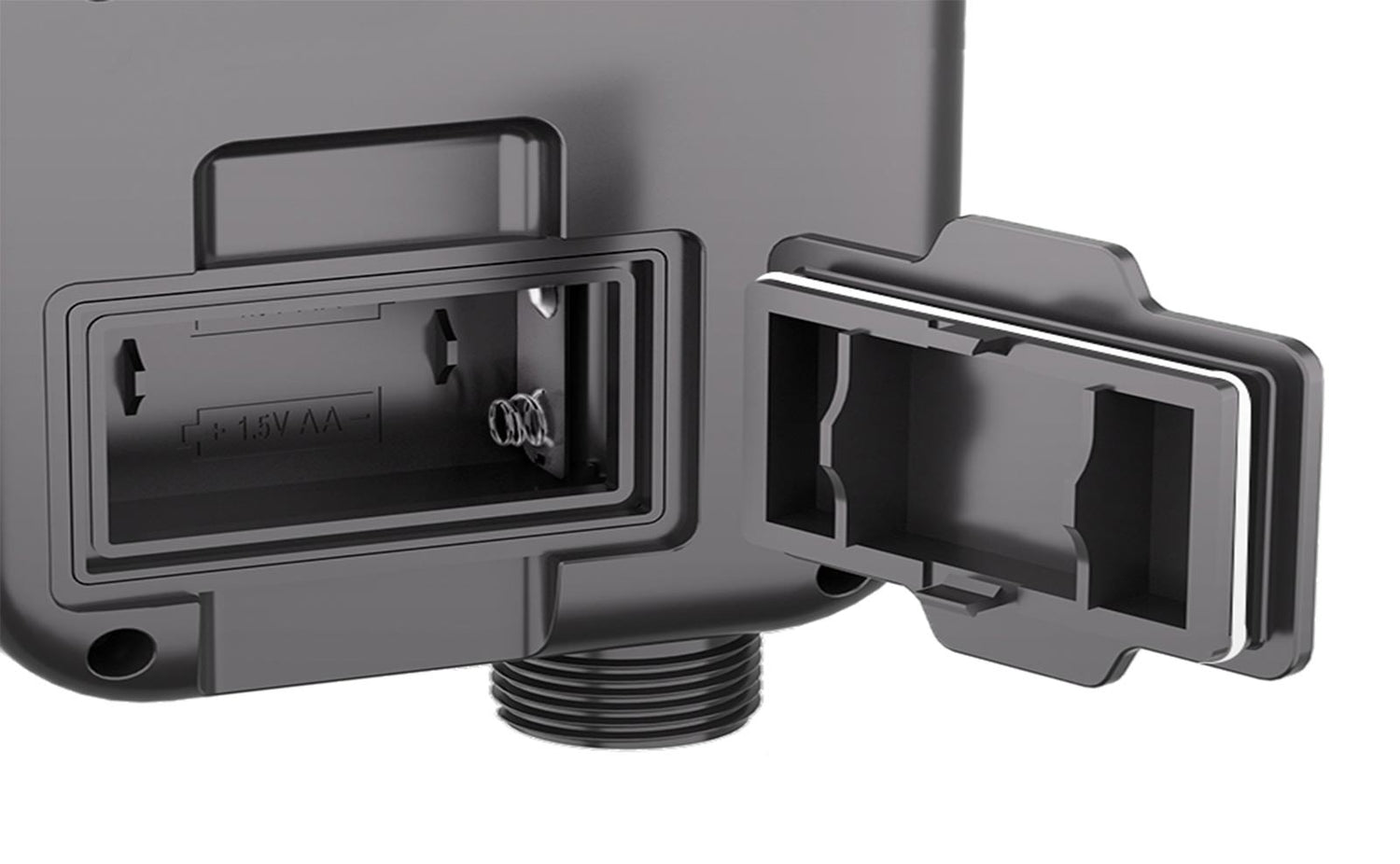
Watering timers
Safe and reliable
The watering timers are made of waterproof material and the battery compartment is surrounded by a sealed rubber ring to protect the battery from water ingress.
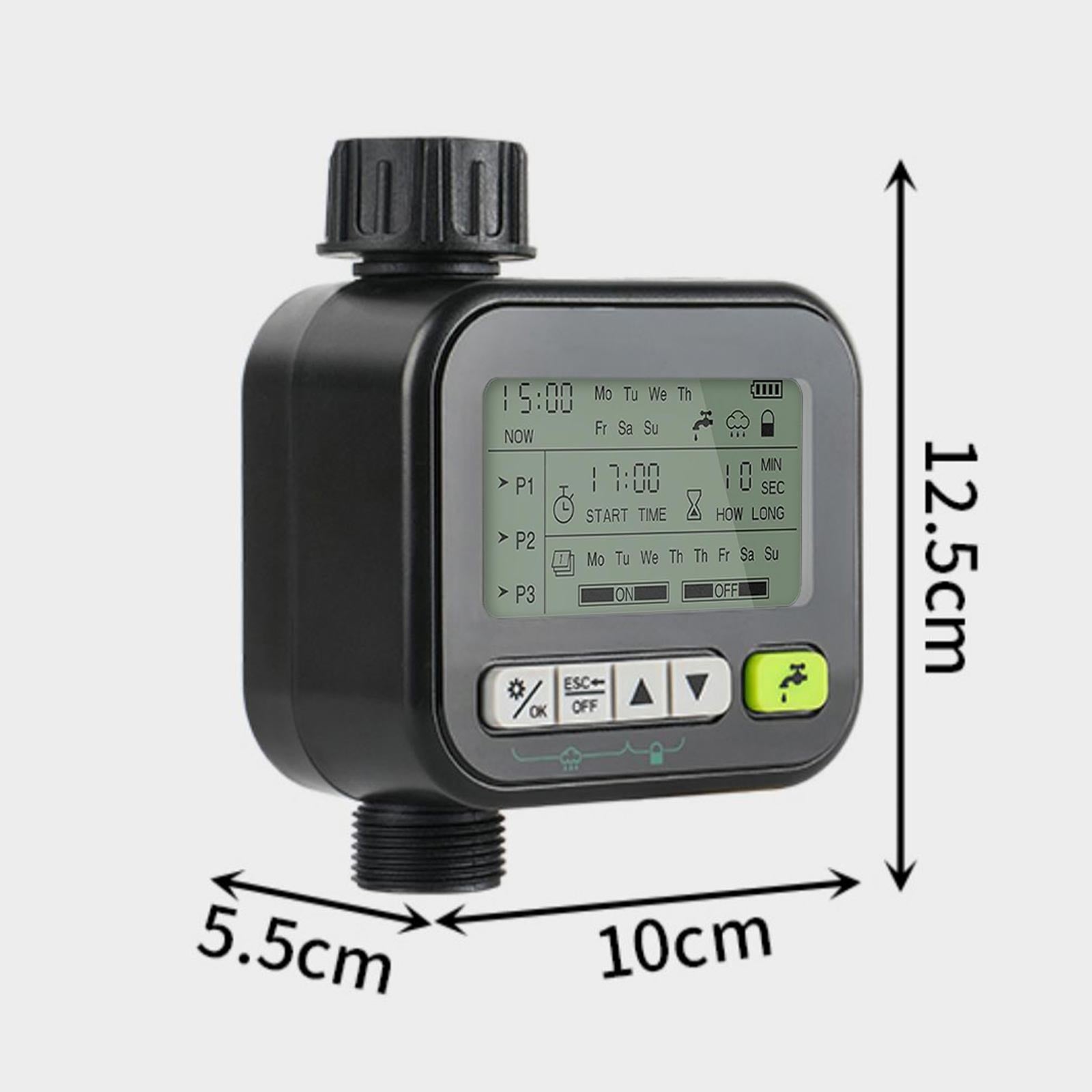
Size: 10*.5.5*12.5 (cm)
Weight: 279g
Water proof: IPX5
Water pressure: 7.25~116 psi
Workflow: >20L/min
Inlet and outlet: 3/4-inch GHT male thread
Power supply: 2*AA 1.5V Alkaline batteries
Endurance: 1000 days
1. Setting the Current Time and Date
Long press the "Setup" button for about 3 seconds until the screen displays the "Current Time" setting interface.
Use the "Up" and "Down" arrow keys to adjust the hour.
Press the "Setup" button to enter the minute setting, and use the "Up" and "Down" arrow keys to adjust it.
Press the "Setup" button to enter the date setting and select the day of the week.
Press the "Setup" button to complete the current time and date settings.
2. Setting Up a Watering Program
Press the "Setup" button once to enter the watering program setting interface.
Use the "Up" and "Down" arrow keys to select a program group (P1, P2, P3).
Press the "OK" button once.
In the selected program group, press the "Left" or "Right" arrow keys to switch the corresponding date for whether to water or not.
Use the "OK" button to enter the start time setting, and use the "Up" and "Down" arrow keys to adjust the hour and minute.
Press the "OK" button to enter the working time setting, and use the "Up" and "Down" arrow keys to adjust the watering duration.
Press the "Setup" button once to complete the watering setting.
3. Manual Watering
Press the water tap button (lower right corner) once to enter the manual watering mode.
Use the "Up" and "Down" arrow keys to set the watering duration.
Press the "OK" button once to start manual watering.
4. Other Functions
Rain Sensor Function: Press and hold the "Setup" button and the "Up" arrow key for about 3 seconds to turn the rain sensor function on or off.
Child Lock Function: Press and hold the "Up" and "Down" arrow keys for about 3 seconds to turn the child lock on or off to prevent accidental touches.
Standby State: Press and hold the "Return/ESC" button for about 3 seconds to turn the device on or off, entering or exiting the standby state.